
Verification flow
Find it. Face it.
Unlock it.
A MonuDex unlock connects what the camera sees with where the device is, so the collection reflects real travel.
Three checks
From nearby
to collected.
The camera and location requests happen only when they are needed for an unlock attempt.
- 01
Get close
Reach the verified area around the monument, generally within one to two kilometres of its coordinates.
- 02
Take the photo
Use the in-app camera to frame yourself and the monument together. Existing gallery images are not accepted for a new unlock.
- 03
Verify and collect
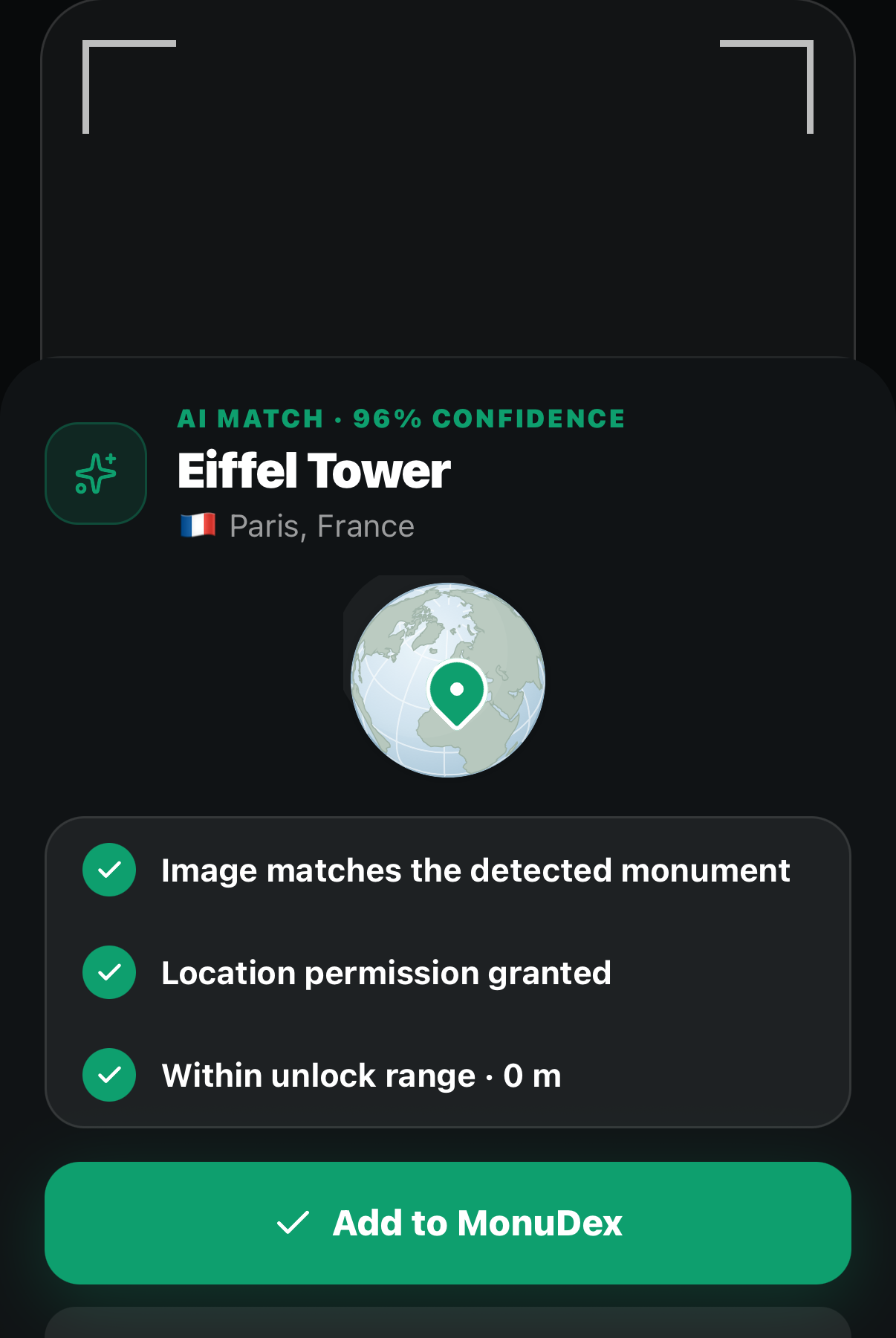
The image and precise location must both match before the monument joins your MonuDex.
In-app detector
One camera.
Two signals.
Image recognition estimates whether the selected monument is visible. Location verification independently checks the device's distance from the catalogue coordinates.
Live captureThe attempt starts inside the app camera.
Visual confidenceThe detector must recognize the monument in the image.
Distance confidencePrecise coordinates must fall inside the unlock range.
Important details
Before you unlock.
Safety and local access rules always come before completing a collection.
Why does MonuDex need precise location?
Approximate location is not accurate enough to distinguish a genuine visit from a remote attempt. Precise location is used to calculate distance from the monument during verification.
What happens when recognition is uncertain?
The unlock is not awarded. The user can retake the photo with the monument more clearly visible or try again from a better public viewpoint.
Does MonuDex require unsafe access?
No. Users must remain in lawful public areas, respect closures and site rules, and never climb, trespass, obstruct traffic, or enter a dangerous position for an unlock.
How is photo and location data handled?
Verification data is limited to the product purpose described in the Privacy Policy. Users can review permission choices at any time in iOS Settings.